Creating a cozy and functional home workspace is essential in today’s world, where many people work remotely or spend time on personal projects at home. A well-designed workspace can improve focus, boost productivity, and even enhance your overall well-being. Whether you have a dedicated room or just a corner of your living space, these tips will help you create an inviting and efficient area to work or study.
Choose the Right Location
The first step in designing your home workspace is selecting the right spot. Ideally, this space should be quiet and free from distractions.
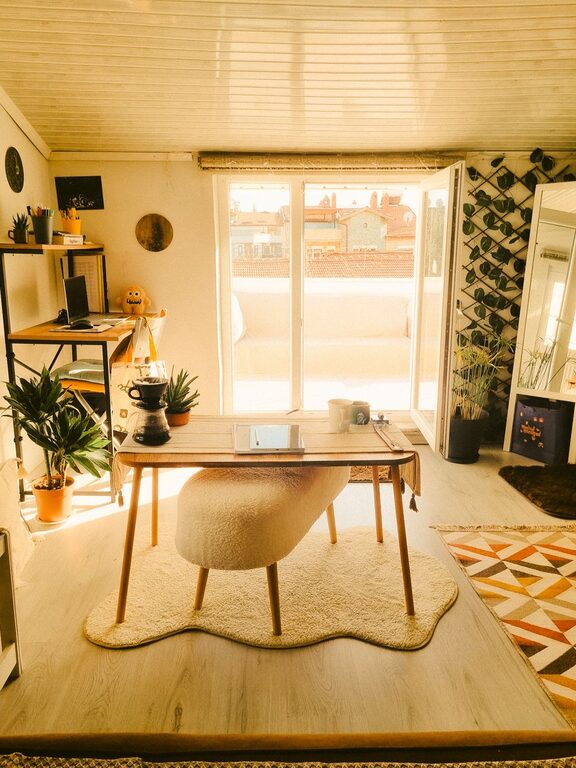
– Consider natural light: A spot near a window can help reduce eye strain and create a pleasant atmosphere.
– Minimize noise: Pick an area away from busy household spaces like the kitchen or living room.
– Privacy matters: If possible, choose a space that you can close off or separate from other rooms.
If space is limited, consider using room dividers or screens to create a dedicated workspace within a larger room.
Invest in Comfortable Furniture
Comfort is key to maintaining focus during work or study sessions. You don’t need to spend a fortune, but good furniture makes a big difference.
– Choose an ergonomic chair that supports your back.
– Select a desk or table at a height suitable for your work tasks.
– Consider adjustable options for switching between sitting and standing positions.
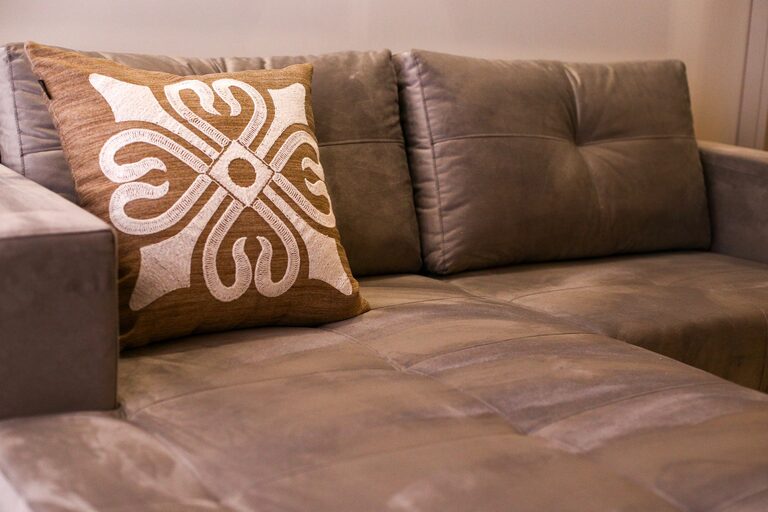
– Add cushions or footrests if needed to improve posture and comfort.
Making comfort a priority will help prevent aches and fatigue, enabling you to work longer and more effectively.
Organize for Efficiency
A cluttered workspace can lead to distraction and decreased productivity. Organization can help you keep everything you need within reach while maintaining a neat environment.
– Use storage solutions like shelves, drawers, or filing cabinets.
– Take advantage of desk organizers for pens, paper, and small tools.
– Keep cables tidy with clips or cable organizers.
– Designate specific places for frequently used items to avoid losing them.
Regularly tidying up your workspace at the end of each day can maintain order and prepare you for the next work session.
Add Personal Touches for Coziness
A workspace that feels welcoming can boost your mood and motivation. Small touches that reflect your personality can make working from home enjoyable.
– Incorporate favorite colors in your décor or accessories.
– Display inspiring artwork or motivational quotes.
– Include plants to bring life and improve air quality.
– Use soft lighting like desk lamps or string lights to create warmth.
Personalizing your space encourages a positive mindset and makes it inviting to spend time there.
Focus on Lighting
Proper lighting is crucial for both comfort and productivity. Poor lighting can cause eye strain and headaches.
– Maximize natural light by positioning your desk near windows.
– Use task lighting such as adjustable desk lamps for focused work.
– Opt for bulbs that mimic daylight for energy and clarity.
– Avoid harsh overhead lights or glare on screens by using diffused lighting.
Balancing different light sources can help reduce fatigue and keep you energized.
Minimize Distractions
Keeping distractions to a minimum helps maintain concentration, especially in a home environment where interruptions can be frequent.
– Set clear boundaries with household members about your workspace.
– Use noise-cancelling headphones or background music if helpful.
– Turn off unnecessary notifications on devices.
– Keep your workspace tidy and free from unrelated items.
Creating a dedicated area that signals “work time” can help mentally separate professional tasks from home life.
Incorporate Technology Thoughtfully
Having the right technology in your workspace supports smooth and efficient work without adding clutter.
– Choose a reliable computer, monitor, or laptop based on your needs.
– Use wireless accessories like keyboards and mice to reduce wires.
– Make sure you have a strong internet connection.
– Invest in accessories like a webcam, microphone, or printer if necessary.
Keep cables organized and devices charged to maintain flow and avoid distractions caused by technical issues.
Take Breaks and Move
Even the best workspace can cause fatigue if you stay in one position for too long.
– Schedule regular breaks to stand, stretch, or walk around.
– Consider using a standing desk or alternating between sitting and standing.
– Keep water nearby to stay hydrated.
– Use reminders or apps to encourage movement and rest.
Taking care of your body during work hours supports long-term comfort and productivity.
—
Creating a cozy and functional home workspace involves a blend of practical organization, comfort, and personal style. Whether you’re working a full day from home or need a spot for occasional tasks, these tips will help you design a space that feels inviting and supports your best work. Give yourself the gift of an environment that inspires and energizes every time you sit down to focus.